We build websites and course portals for schools and universities: institution overview, courses with enrollment, events and a learning environment with your identity.
From the course of interest to the learning environment
Can prospective students find the course and the next step?Can prospective students find the course and the next step?
People looking for a program need to understand the course, the format and the admission path. Current students need to find classes, materials and activities. We connect these stages with the institution’s identity.
The institution’s website uses Edukul, a WordPress theme built for schools, universities and online courses. It comes with a course catalog, enrollment page, events, gallery and subscription plans, and connects to GW Learning for the learning environment.
Everything prospective students look for, with your school’s brand.
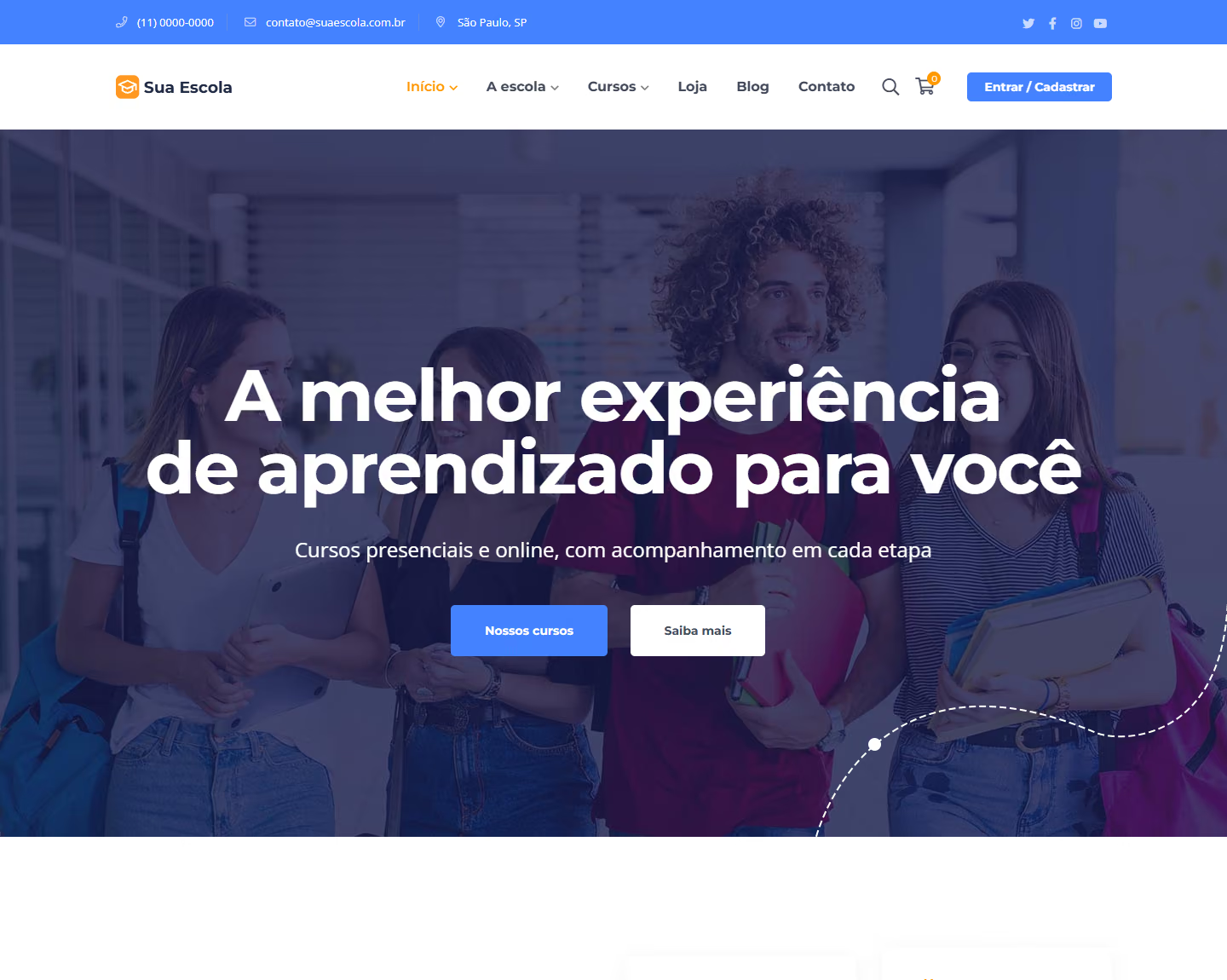
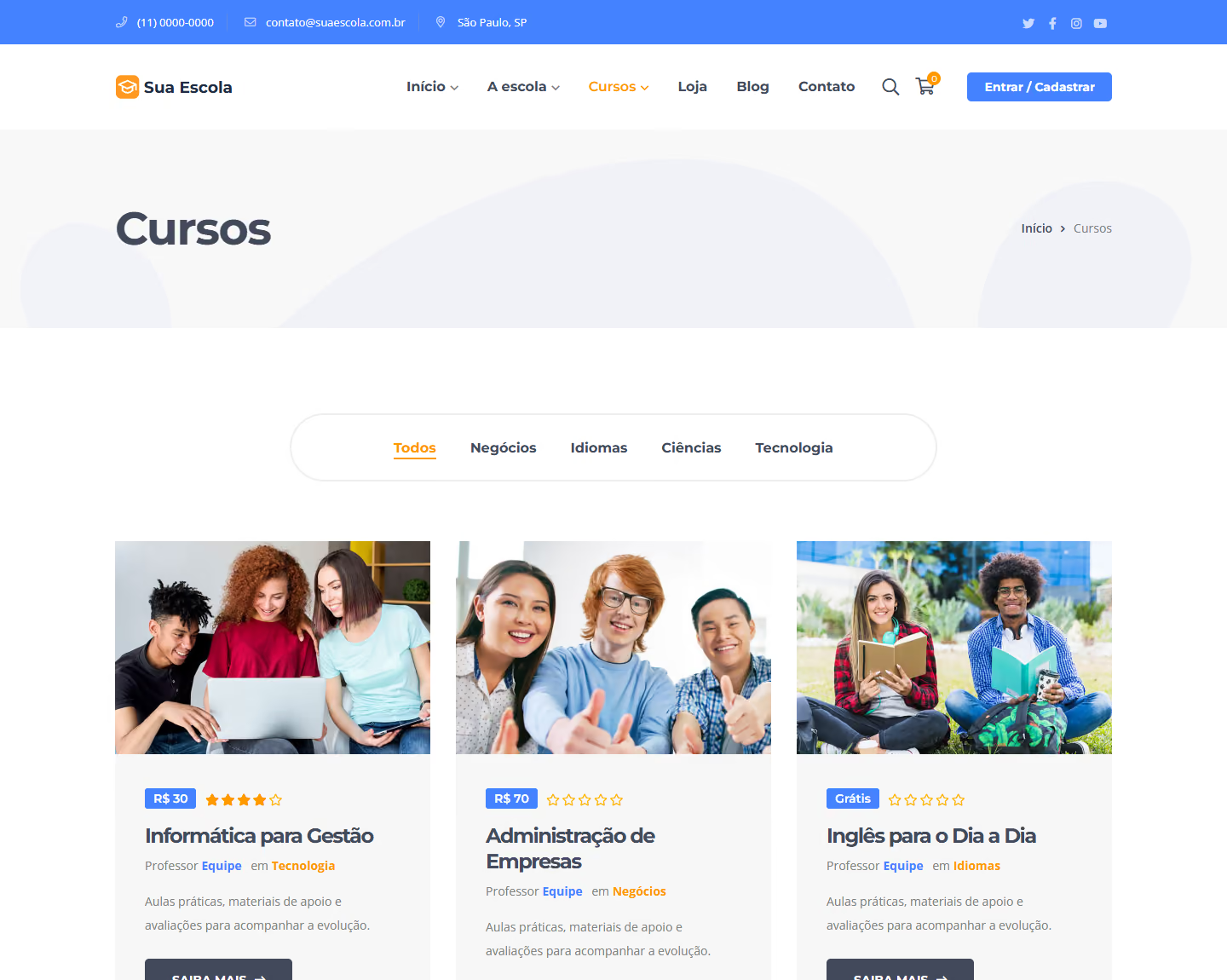
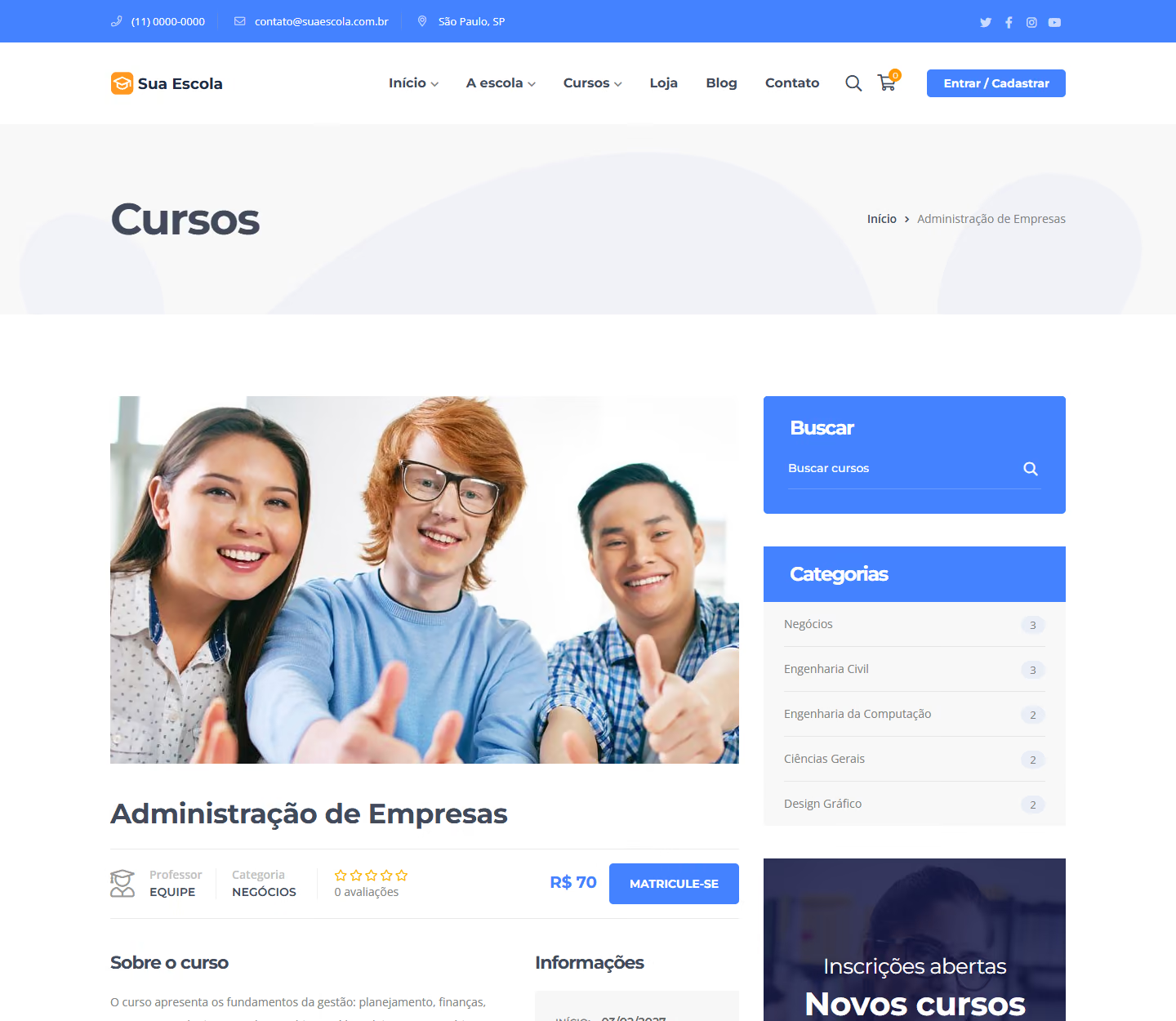
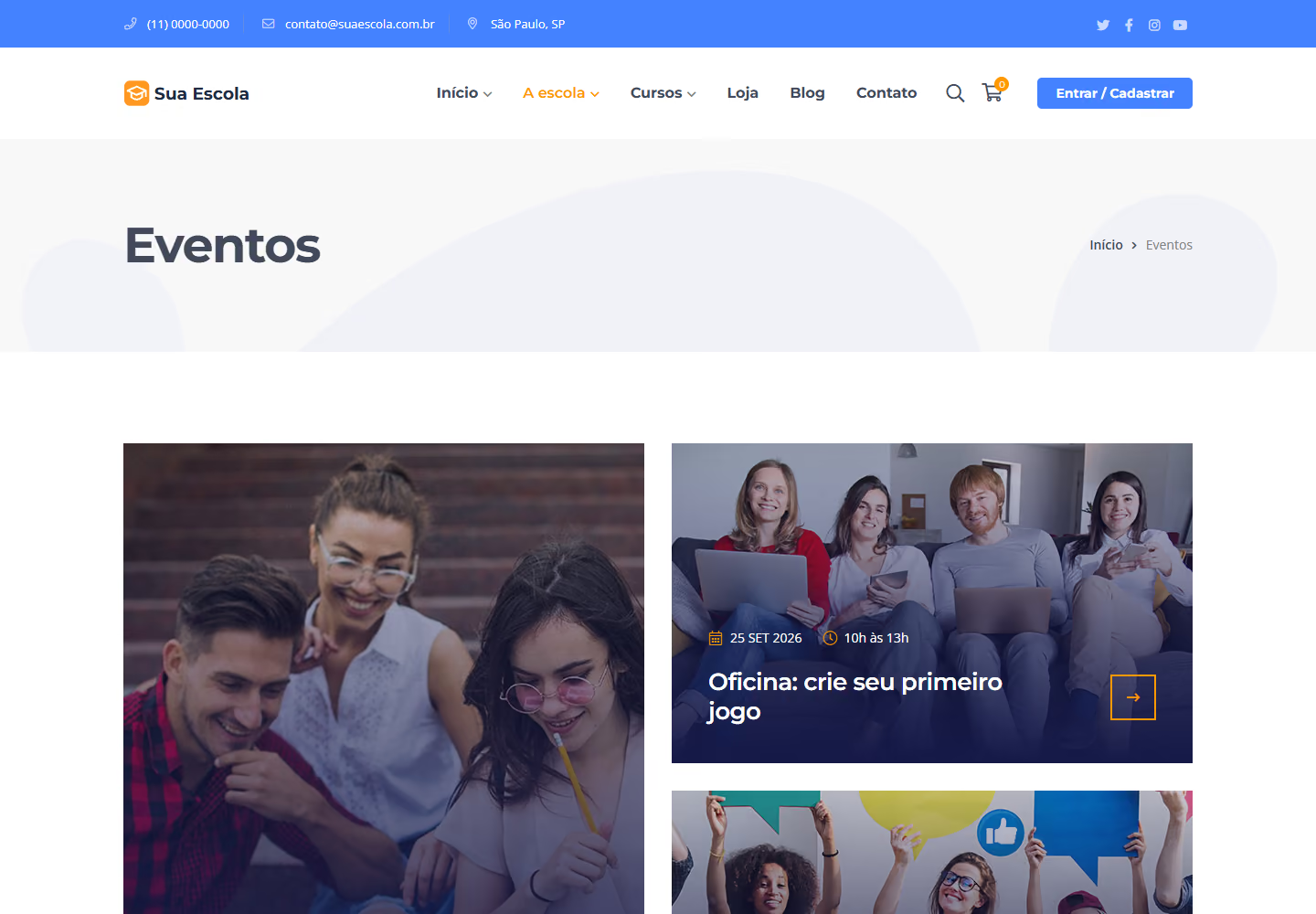
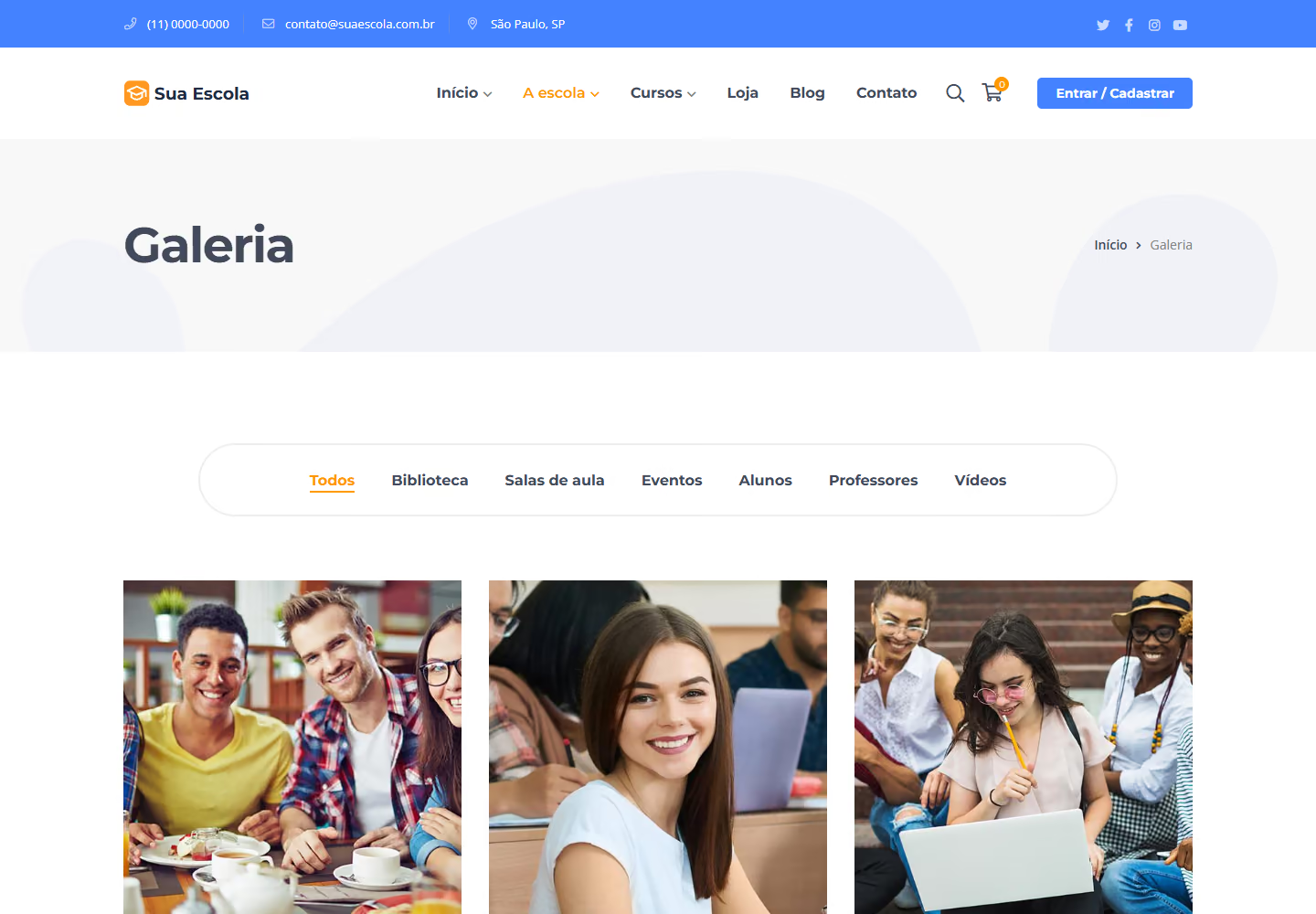
Screens from Edukul, the theme we use for school and university websites. Prospective students find the course, get to know the campus and sign up without leaving the website.
Screens from the Edukul theme demo (ninzio.com/edukul), with the logo replaced by "Sua Escola" (Your School) and the text translated into Portuguese. On your website, they will show your institution’s brand, courses and photos.
A foundation for being found. An experience designed for mobile.A foundation for being found. An experience designed for mobile.
Search-ready structure and responsive navigation are part of the planning, development and delivery of your project.
Structured SEO for public pages
We prepare SEO for the public pages for courses, programs, campuses and institutional information. Content organization supports discovery by people looking for an opportunity to study.
Organized pages, titles, descriptions and URLs
Internal links, sitemap and indexing rules
Images and structured data relevant to the content
Responsive across the entire journey
Prospective students can learn about the course and sign up from their phone; current students can also access their learning environment. We plan both journeys according to the portal’s features.
Text, menus and buttons adapted to every screen
Course search, sign-up and access to the learning environment
Loading and forms checked on different screens
Classes, internal materials and academic data follow the planned permissions. Search promotion focuses on the institution’s public content.
A presence to attract students. An environment to teach.A presence to attract students. An environment to teach.
We organize institutional information, course access and learning resources according to your teaching approach.
01
Present the institution and its courses
With Edukul, each course gets a page with instructor, category, price and enrollment, and the institution showcases its campus, events and gallery. Accreditations and recognitions are presented based on proof provided by the institution.
Course-specific forms, visit requests and sign-ups can organize admissions. CRM and academic management connect through integrations assessed against the systems you use.
GW Learning can bring together a catalog, learning paths, classes and materials in a student area. Internal audiences and open courses get different access rules.
Live classes, H5P activities, assessments, assignments and certificates can be part of the experience. Features are configured according to the extensions and teaching model defined.
Edukul sells individual courses or subscription plans with an access period, and integrates with WooCommerce to accept Pix and cards through compatible providers. Billing, refunds and access duration are specified.
Portals and materials can connect students, parents and teachers with their own profiles. Design, content and social media keep the institution’s identity.
We guide teachers and administrators on using the platform. Content and campaigns can follow prospective students from first contact to confirmed admission.
Internal training and paid courses can coexist.Internal training and paid courses can coexist.
An institution can offer training for its own team and also sell courses to the public. The platform can organize catalogs, classes and access according to each purpose.
The GW Learning screens help visualize the experience. Course structure, assessments and completion criteria are defined by the institution, preserving the required integration with academic management.
We implement AI to look up institutional information and support your team in preparing materials, with pedagogical review and access limits.
01
Admission questions
Answer admission questions based on approved rules.
02
Teacher support
Help teachers prepare drafts and activities for review.
03
Lookups with sources
Support lookups in released materials, citing the source and forwarding questions.
Content and answers go through pedagogical review. Permissions and student data are defined in the project; decisions on admission, assessment and certification remain with the institution.
Help prospective students find the course and take the next step.Help prospective students find the course and take the next step.
We plan communication and campaigns by course, format, region and admission period, with pages and service ready.
Course-based offers
Pages and campaigns with the program’s value proposition, format and up-to-date information.
Institutional content
Materials that present the institution and help prospective students make their choice.
From interest to admission
Tracking of inquiries, visits, sign-ups and confirmed enrollments when there is an integration.
Communication uses verified information and takes into account audience and data protection rules, including for minors. Strategy, campaign management and media budget are defined in the proposal, based on the services you hire.
WordPress, with the Edukul theme, built for schools, universities and online courses. For the learning environment, we use GW Learning with the features the project requires.
Can we keep our academic system?
Yes. We assess the role of each system and how feasible the connections are. The learning environment is not presented as an automatic replacement for all academic management.
Does the platform handle both internal and paid courses?
We can separate catalogs, classes and access rules, with payment for commercial offers and dedicated profiles for internal training.
Can we use live classes and H5P?
These features can be part of the project with the right extensions, integrations and settings. The usage model is aligned with the teaching team.
Can I issue certificates?
We can configure templates and completion criteria for each course. Academic recognition and validity depend on the institution and the nature of the program.
Can teachers track student progress?
The platform can provide progress, assessments and reports according to the features implemented and the permissions defined for those responsible.
Can AI help with lesson preparation?
It can support drafts, activities and lookups in authorized materials. Review, assessment and teaching decisions remain with the institution’s professionals.
Do you also run student recruitment campaigns?
We can combine pages, content and paid traffic management. The proposal separates implementation, recurring services and media budget.

 Your idea. Our next conversation.